Boom mobile play – browser access and what to expect on a smaller screen
















Battery, connection and session length
Boom runs in mobile browsers without requiring a download, so players aged 18+ can reach the platform from phones and tablets using the same credentials as on desktop. The casino operates under a Curaçao Gaming Control Board licence (OGL/2024/503/0352), issued to Deep Dive Tech B.V., and the mobile site mirrors the desktop version's regulatory standing.
A stable connection matters more on mobile than on a laptop. Dropped WiFi or patchy 4G can interrupt a spin mid-round or log you out of a live dealer table, and reconnecting does not always restore your place. Cellular data burns through allowances quickly when streaming live games – a 30-minute blackjack session can consume 150–200 MB depending on video quality. Plug into WiFi wherever possible, or check your data cap before settling in for a longer play session.
Battery drain follows a similar pattern. Slots with heavy animation and live casino streams push the GPU harder than static pages, and a phone running hot is a phone that will need a charger within the hour. Dimming the screen and closing background apps helps, but the honest trade-off is this: mobile casino play is convenient, not efficient. A session that would last three hours on mains power might give you 90 minutes on a full charge.
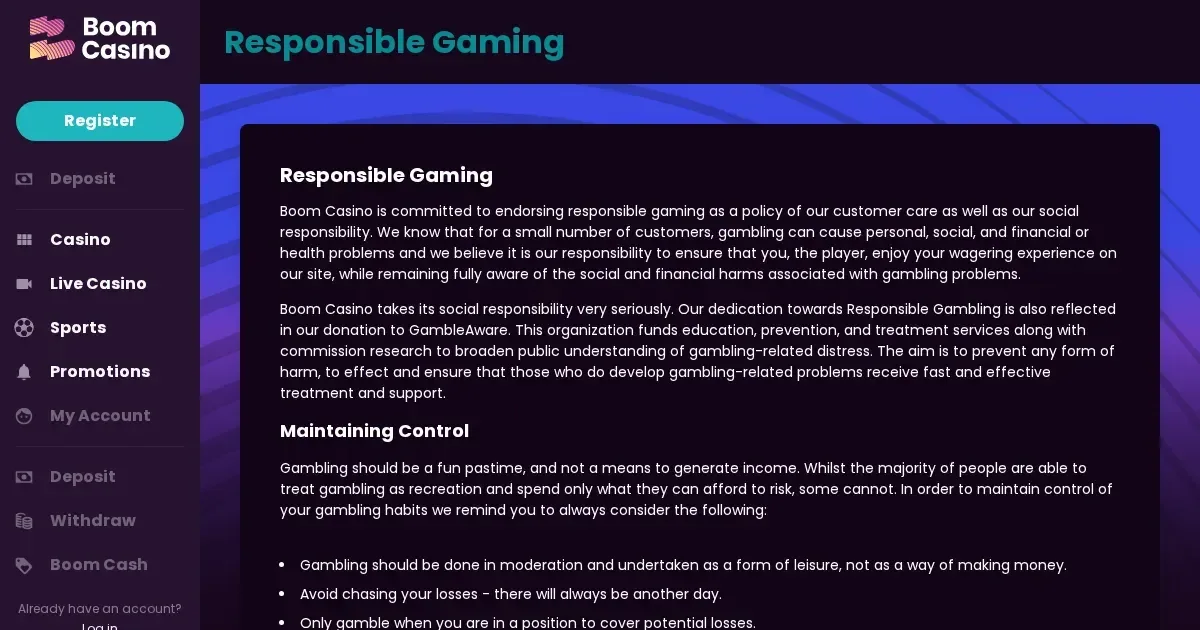
Session length discipline is easier to lose when the casino lives in your pocket. Set deposit and loss limits through the account section before you open the game lobby – Boom supports 24-hour, weekly and monthly thresholds – and consider a reality check timer if you tend to lose track of time. A device you carry everywhere is a device that can tempt you at every bus stop and lunch break, which is why the responsible gambling tools exist in the first place.
Playing from a phone
Open a mobile browser – Safari on iPhone, Chrome or Samsung Internet on Android – and navigate to the operator's domain. The login fields sit at the top right of the homepage, the same as on desktop. Enter your username and password, tap through, and you land in the same account you left on your laptop: same balance, same transaction history, same bonus status. No second registration, no separate mobile wallet.
The site detects screen size and serves a responsive layout automatically. Menus collapse into a hamburger icon, the game grid stacks vertically, and touch targets widen to suit a thumb rather than a cursor. Everything loads in the browser – no App Store, no Google Play, no APK sideload. That simplicity is the point: one account, one set of login details, access from any device with a modern browser and a data connection.
Boom does not publish a native iOS or Android application. The mobile experience is browser-based, which means updates to the platform happen server-side and reach every device the moment you refresh the page. You will not encounter version mismatches, forced updates or the need to clear app cache.
What the operator actually provides
The mobile cashier supports the same deposit and withdrawal methods as the desktop site, including bank transfers, credit cards and cryptocurrency options. Minimum withdrawal sits at €20, and the operator processes requests within 4–5 hours unless additional verification is needed. Bank withdrawals take up to three days from approval; crypto exits land in 5–30 minutes once cleared.
Customer support channels – live chat and email ([email protected]) – are reachable from the mobile site between 09:00 and 00:00, seven days a week. The chat widget floats at the bottom right of the screen and expands when tapped, overlaying the page rather than navigating away from it. Email responses typically arrive within 48 hours.
Identity verification can be completed on mobile. The account section includes an upload interface for ID cards, passports, utility bills and any source-of-funds documents the compliance team requests. The verification threshold stands at €2,000 in cumulative deposits or withdrawals, though the operator reserves the right to conduct checks at lower amounts or as part of random security reviews. A phone camera captures documents well enough for KYC purposes, provided all four corners are visible and text is legible – glare and shadow are the usual causes of rejected uploads.
The Boom Cash loyalty programme, which converts 0.3% of turnover into bonus money claimable every 1,000 bets, tracks progress on mobile and desktop identically. The pot total appears in the account overview, and the claim button becomes active once the counter resets. Wagering on Boom Cash stands at 20× the claimed amount, and game contributions mirror the main bonus structure.
The parts that work well
Slots translate to touchscreens without friction. Spin buttons sit within easy thumb reach, bet adjustments respond to swipe gestures, and autoplay settings remain accessible through a menu icon. The game grid filters by provider, category and feature type, and a search bar at the top of the lobby narrows results by title. Load times hover around 3–5 seconds on a decent connection, comparable to desktop performance.
Live dealer tables scale down more gracefully than you might expect. The video feed occupies the top half of the screen in portrait mode, controls and bet history fill the bottom half, and chat appears as a slide-out panel. Evolution Gaming and NetErt tables stream at adaptive bitrate, dialling quality up or down to match your bandwidth. Picture clarity suffers on a slow connection, but the game remains playable – you will see the cards dealt and the wheel spun, even if the dealer's face pixelates.
Deposit flows condense to a few taps: amount, payment method, confirmation. The cashier remembers your last-used method and repopulates currency and card details where saved, cutting the friction between deciding to top up and having funds available. Withdrawal requests follow the same streamlined path, and the transaction history page lists every deposit, withdrawal, bonus credit and fee in reverse chronological order.
The parts that do not
Multi-table play is impractical on a phone. Opening two blackjack tables in separate browser tabs works in theory, but flipping between them means missing hands and losing the rhythm that makes live dealer games engaging. A 6-inch screen cannot display two video feeds side by side without rendering both illegible, so serious multi-tablers will reach for a laptop.
Game filters and sorting options, useful on desktop, feel cramped on mobile. Tapping "Providers" expands a list that pushes the game grid off-screen, and scrolling through 50+ studios to find the one you want adds seconds to every search. The layout is functional rather than elegant, which is fine for occasional use but grating if you are the sort of player who hops between providers frequently.
The terms and conditions, privacy policy and bonus rules – essential reading before claiming an offer – are not optimised for small screens. Paragraphs run wide, forcing horizontal scrolling, and font sizes hover at the edge of legibility without zooming in. This is a common failing across the industry, not unique to this operator, but it remains a failing: legal text is hard enough to parse on a 15-inch monitor, and worse on a phone held at arm's length.
Inactive account fees hit faster than most players realise. An account untouched for three months enters "paused" status, at which point the operator may charge 10% of the real-money balance per month. Twelve months of inactivity triggers full forfeiture of all funds. The mobile site does not surface these warnings prominently – they live deep in the terms – so set a calendar reminder if you are the type to install, play once, then forget the account exists.
Staying in control on a device you always carry
Before you open the game lobby, set your limits. Navigate to the account section, find "Responsible Gambling Tools", and configure deposit, wagering or loss caps over a 24-hour, weekly or monthly window. These thresholds apply across desktop and mobile, so a €100 daily deposit limit set on your laptop will block a €101 top-up attempt on your phone.
Check the address bar. The correct domain is the one published by the operator – bookmark it the first time, and type it manually rather than trusting a search result or a link from an unfamiliar source. Phishing sites mimicking casino domains are a real threat, and a phone's smaller screen makes subtle URL differences easier to miss.
Sign out when you are done, especially on a device shared with others or used in public. Staying logged in is convenient until someone else picks up your phone and has full access to your balance, your transaction history and the cashier. The logout button sits in the account menu, top right – one tap, two seconds, and the session ends.
Consider a session timer or a reality check. Boom allows players to enable alerts that interrupt play at set intervals, reminding you how long you have been active and how much you have wagered. These tools do not restrict access – they simply surface information that is easy to lose track of when you are three games deep and the phone is glued to your hand.
Gambling should be entertainment, not an obligation. If you find yourself opening the casino out of boredom rather than enjoyment, or chasing losses long past the point where it stopped being fun, that is the moment to step back. Free, confidential support is available through BeGambleAware and the National Gambling Helpline on 0808 8020 133, 24 hours a day. GamStop offers free self-exclusion across all UK-licensed sites, and blocking software such as Gamban and BetBlocker can filter casino domains at the device level, preventing access even when resolve is low.
This page is provided for information and marketing purposes only. We are not a casino operator, a bookmaker or an organiser of gambling. Access to this content is restricted to persons aged 18 and over (18+). For free, confidential support with gambling, visit BeGambleAware.org.
Last updated:
Frequently asked questions
Can I play Boom games on my phone without downloading an app?
Yes. Boom runs in mobile browsers – Safari, Chrome, Samsung Internet – without requiring a download. Log in with the same credentials you use on desktop, and the site serves a responsive layout automatically.
Does Boom have a native iOS or Android app?
No. The mobile experience is browser-based. Updates happen server-side and reach every device the moment you refresh the page, so there are no app stores, version mismatches or forced updates.
Can I deposit and withdraw from my phone?
Yes. The mobile cashier supports bank transfers, credit cards and cryptocurrency deposits and withdrawals. The €20 minimum withdrawal applies, and processing times match the desktop site – 4–5 hours for approval, then up to three days for bank transfers or 5–30 minutes for crypto.
How do I upload verification documents on mobile?
Navigate to the account section and find the upload interface. Use your phone camera to capture ID, utility bills or source-of-funds documents, ensuring all four corners are visible and text is legible. The verification threshold is €2,000 in cumulative deposits or withdrawals.
Game Providers